
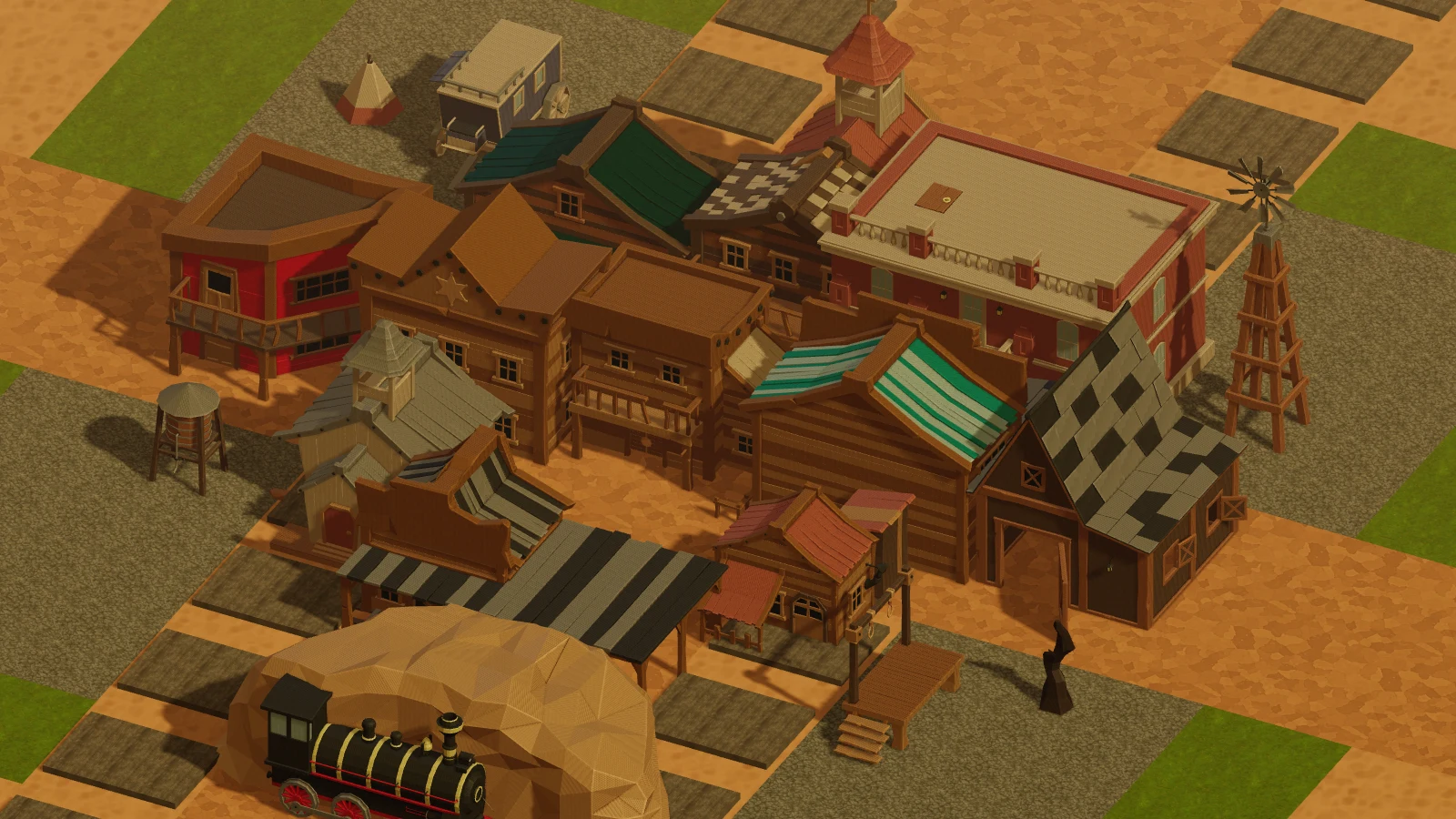
1. 🏜️ You start with an empty lot
Open vendettasaloon.ai/builder and you get a fenced, empty plot in 3D, labelled exactly what it is: Tier 1 of 8, Empty Lot.
That tier badge in the corner is the whole progression in one glance. Eight tiers, and you are on the first one with nothing on it.
2. 👛 Connect your wallet, or nothing saves
The builder greets an unconnected visitor with "Connect your wallet to build your town."
That is not a paywall, it is the save file. Your wallet is your account across the whole Saloon, so the town belongs to the same player as your chips, your VIP tier and your game history. Build without connecting and there is nowhere to put the result.
3. 🧭 Learn the lot before you fill it
Three controls are worth knowing before you place anything:
- Guide (top right) is the builder's own in-game guide. It is more detailed than any blog post
can stay, and it is maintained with the feature. Read it first.
- Labels toggles the names on what you have built. Turn it on while you are learning the lot and
off when you want to look at it.
- Share does what it says, once you have something worth showing.
4. 🏗️ Then start placing
Work outward from the middle of the lot rather than filling the edges first. A town that grew from a centre reads as a town; one built along a fence reads as storage.
And there is no timer on this. Nothing in the builder is a round, so there is no wrong pace.
5. 🔄 Come back to it
The status corner shows Idle Town when nothing is happening. The town persists between sessions because it is attached to your wallet, so this is the one part of the Saloon designed for you to leave and return to.
🚪 Go and lay it out
vendettasaloon.ai/builder